01 / SMART MODEL IMPORTYour model, ready for assessment.
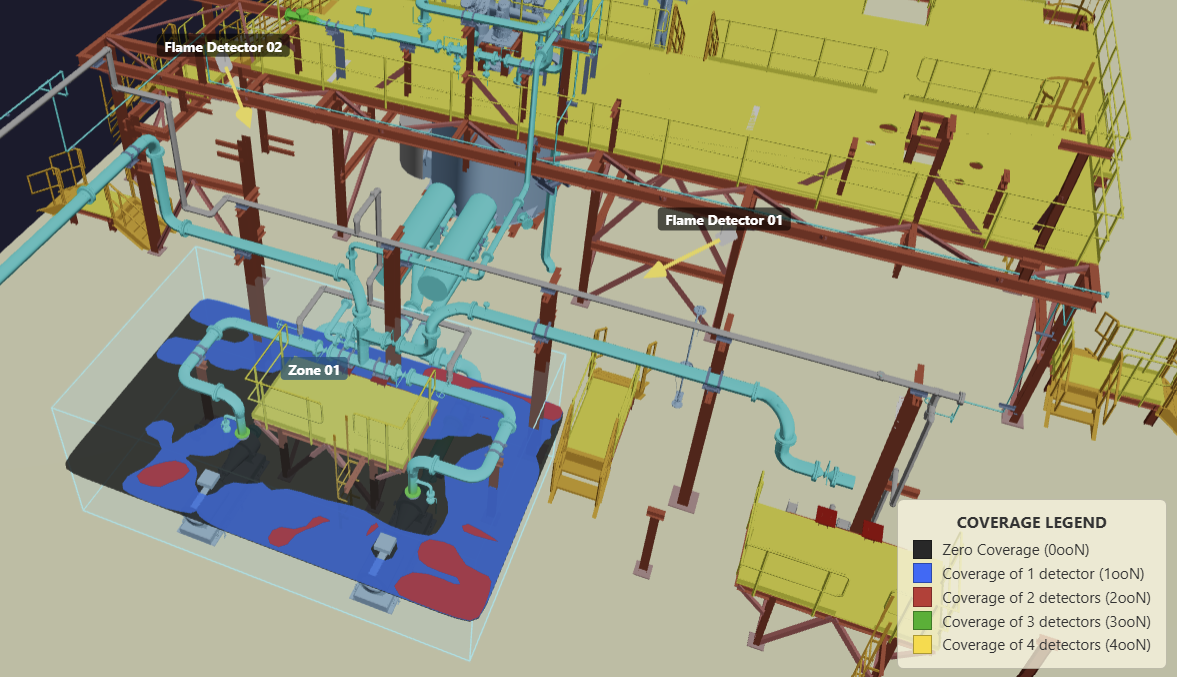
Import 3D DWF models exported from Autodesk® Navisworks® software, alongside GLB, glTF, OBJ and STL files. Open your .NWD model in Navisworks Manage or Simulate, export it as a 3D DWF file, then import the exported model into safe3D. Use the equipment and structures in your model to check obstructions in flame detector coverage.
For models with large coordinates, smart import can translate the study area to simpler working coordinates near the local origin. The original reference is retained, with options to use original coordinates during assessment so you can check detector and zone locations against the native 3D model.
02 / FAST CALCULATIONCalculate zone coverage
within seconds.
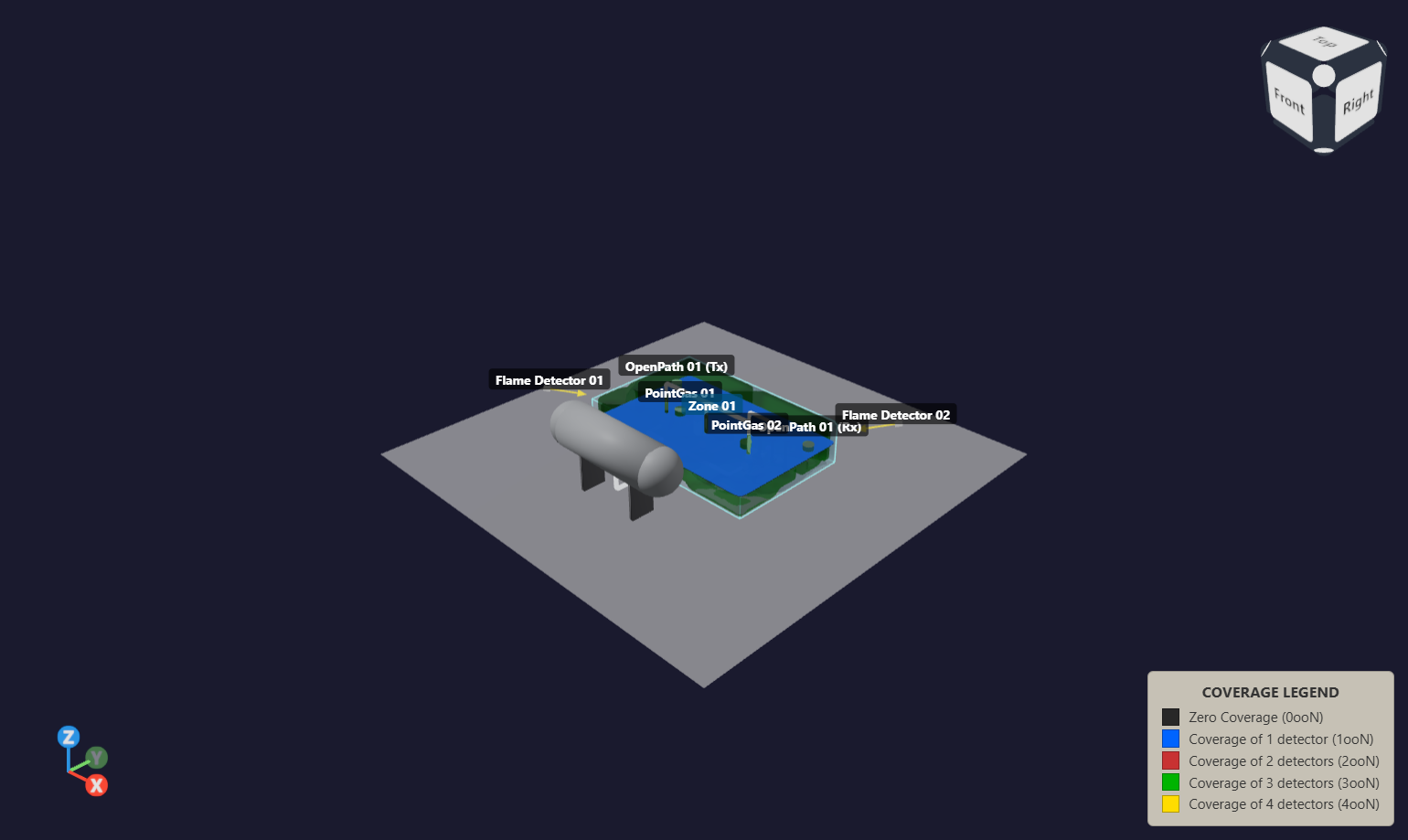
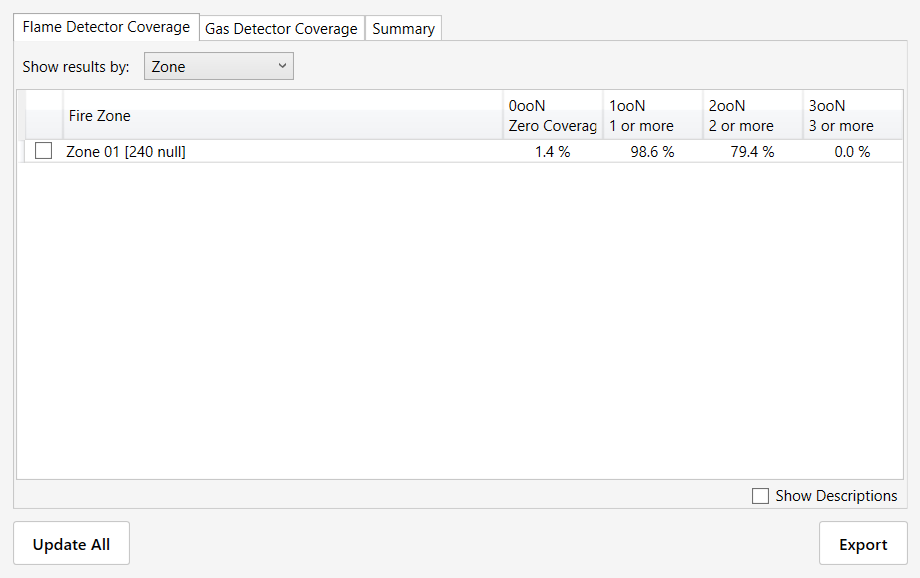
Calculate flame and gas detection coverage across your assessment zones using a volumetric or geographic approach based on performance based detection. Adjust detector positions, orientations or study settings, then recalculate to see the effect on gaps and overlap.
Calculation time varies with model complexity, grid resolution and hardware.
03 / CLEAR VISUALISATIONSee coverage in 2D
and throughout the volume.
Use 2D contours to inspect coverage at a selected elevation. Use isovolumes to examine coverage throughout the assessed 3D volume, including gaps and overlap at different heights around equipment.
Check volumetric coverage across the study area, beyond a single slice.
04 / INTUITIVE FUNCTIONALITYAn intuitive workflow
directly on your model.
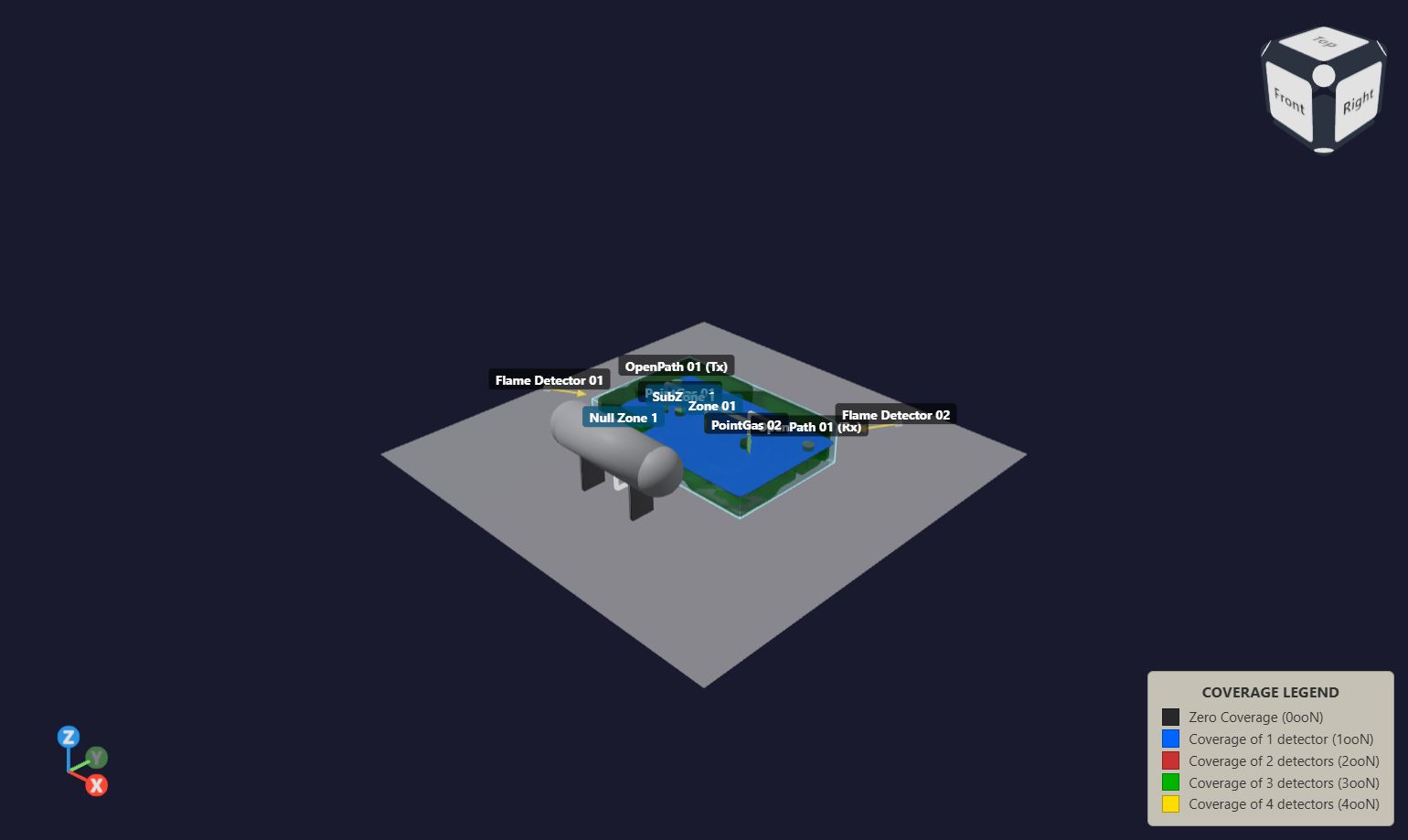
Right click and drag on the model to add a zone. Right click at the desired location to add a detector. This intuitive workflow lets you define the assessment directly in the 3D view, then refine properties and inspect coverage.
Model navigation, detector setup and results in one workspace.
05 / EXPERT TEAM SUPPORTSupport throughout
your assessment.
Our expert team is available throughout your work with safe3D. We support you with model import, study setup, detector configuration and reviewing coverage results, and help you work through questions as your assessment develops.
Contact us for guidance from initial setup through to your results.
06 / INDUSTRY APPLICATIONSFire and gas mapping
across industries.
Use safe3D in industries that require fire and gas detection coverage assessment, including offshore and onshore oil and gas, petrochemicals, chemical processing, power generation and renewables.
Bring your facility model into the study, define the areas requiring detection and assess flame and gas detector coverage against the equipment and structures. Inspect gaps and overlap to support detector layout decisions for your application.
07 / ONLINE VIEWERShare your study.
Review it online.
Share your native .safe3D study file with clients and colleagues so they can explore the 3D model, inspect detectors and zones, and review saved coverage results in their browser. No desktop installation is required. The viewer opens the file locally without uploading the study.
Open safe3D Viewer