
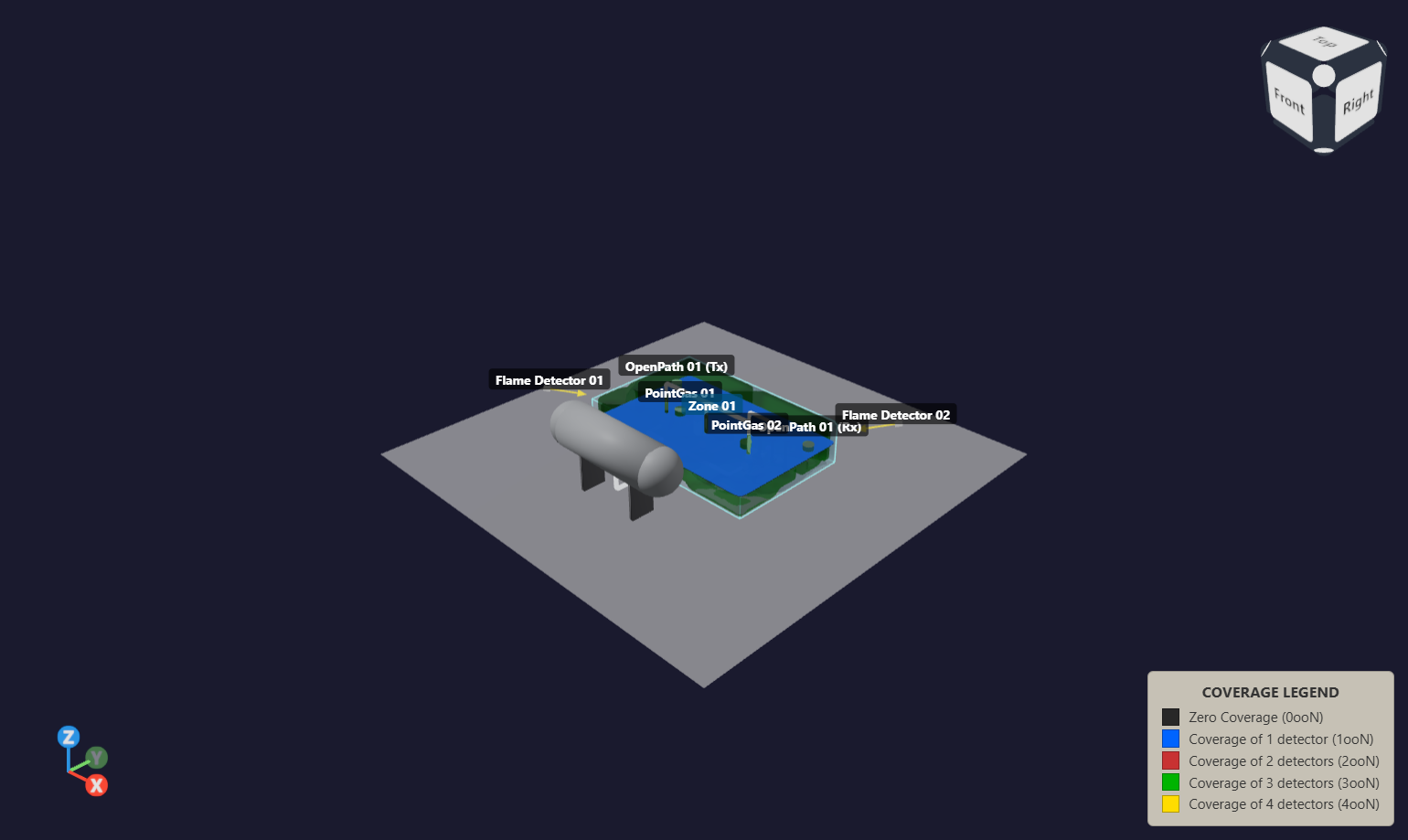
Define the volume before interpreting the percentage
A zone defines the volume being assessed. The eligible volume is the portion included after applying the study's exclusion rules. Document these boundaries and exclusions: changing the denominator can change the reported percentage even when the detectors remain in the same positions.
In a performance based mapping study, a coverage target and detection requirement are set in the assessment basis. The model is then used to assess the proposed layout against those requirements. This page discusses spatial coverage, not a risk weighted calculation or a release frequency assessment.
How volumetric coverage is expressed
Numerical mapping commonly represents the volume using sample points. For an equally weighted grid, the covered proportion is estimated from the number of eligible points satisfying the requirement divided by the total number of eligible points. Grid spacing affects the spatial detail and calculation workload.
Read coverage and voting together
| Label | Interpretation |
|---|---|
| 0ooN | No detector covers the assessed point. |
| 1ooN | At least one detector covers the assessed point. |
| 2ooN | At least two detectors cover the assessed point. |
The 1ooN and 2ooN percentages are cumulative: a point covered by two detectors also satisfies a requirement for at least one. They should not be added together as if they were separate categories.
Gas assessments may also use alarm combinations such as LoLo, LoHi and HiHi. Interpret the result against the selected logic and alarm settings. Geometric overlap alone is not a measure of independent system reliability.
Inspect the whole assessment volume
A 2D contour shows the spatial result at a selected elevation. A 3D isovolume helps reveal the extent of selected coverage regions throughout the assessed volume. Use both views to understand where the gaps are, rather than relying on a single percentage.
For flame detection, equipment and structures may obstruct line of sight. The accuracy and completeness of the imported geometry therefore matter when interpreting coverage around equipment.
Review multiple zones against their own criteria
safe3D helps engineers assess coverage across multiple zones within seconds, subject to model complexity, grid resolution and hardware. Each zone should still be reviewed against its own assessment criteria.
Do not average zone percentages without considering their eligible volumes and requirements. A combined percentage can conceal a poorly covered zone. Keep zone results visible in the engineering review.
Make comparisons repeatable
When comparing detector layouts, keep zone boundaries, exclusions, detector assumptions and grid settings consistent. Record any changes and recalculate in the desktop application. Coverage results describe the configured study; they do not guarantee detection of every possible real event.
Continue with the safe3D workflow, or read the introduction to fire and gas mapping studies.